
Veo 3.1 Fast
from 81 crPolished cinematic shots with native dialogue and sound, rendered quickly.
- 4–8s
- 720P · 1080P · 4K
- Text · Frames · Reference
Whisk AI video turns a still into a short clip: drop your remix in as the first frame, describe the motion and pick Seedance, Veo 3.1, Kling 4 or Grok Imagine. Text and reference modes are here too.
No image yet? Make a remix in the Whisk AI Image Studio firstFree-plan results appear in the public gallery · charged only when it succeeds
Your video appears here
Pick a model, write a prompt and press Generate. You only pay for successful renders.
Image to video
WhiskAI video is the second step after a remix. Drop an image in as the first frame — a Whisk AI remix, a product shot or your own photo — describe how it should move, and Seedance 2.5, Seedance 2.0, Veo 3.1, Kling 4 or Grok Imagine turns it into a clip with native sound. Text-to-video and reference-to-video are one click away when you want to start from words instead.
Clips run up to 30 seconds and 4K. You see the exact credit cost before you generate, renders keep going if you leave the page, and failed renders are refunded automatically. WhiskAI is independent and not affiliated with Google, ByteDance, Kuaishou or xAI.
How it works
From still to clip, starting at 24 credits.
Press Animate this on a remix, or upload any image. Add a last frame too if you want the shot to end somewhere specific.
Say what moves and how the camera behaves: "the plush fox waves, slow push-in, soft music". The image already carries the look, so keep it short.
Seedance 2.5 is selected first; switch to Veo 3.1, Kling 4 or Grok Imagine if the shot needs it. The cost updates as you change length and resolution.
Watch the live status, then download the MP4, reuse the settings or make a variation. Every render is saved in My creations.
Model guide
Seedance follows a first frame closely and runs longest; Veo 3.1 gives the most cinematic light and sound; Kling 4 adds middle keyframes. Lengths, resolutions and prices come straight from the studio.
Polished cinematic shots with native dialogue and sound, rendered quickly.
Google’s highest-fidelity Veo for hero shots where detail matters most.
The cheapest way to try an idea in Veo, with the same 4–8s clips.
Long multi-shot stories up to 30s with consistent characters and audio.
Seedance 2.5 storytelling at a lower price for drafts and social cuts.
Reliable all-rounder for motion, camera moves and reference-driven shots.
Faster, cheaper Seedance 2.0 for iterating on motion and timing.
Very low-cost previews to test prompts before a full render.
Long takes up to 30s, up to 10 keyframes and omni reference, up to 4K.
Kling 4 motion quality at 720p for quick social clips.
Playful, stylized clips up to 30s at a low price, from text or a reference.
Three ways to start
Pick how a clip starts: words, a first frame or reference images. The examples are community clips; hover to play.
No image needed: describe the scene and the model invents subject, motion, camera and sound.
The mode "Animate this" opens: your still is the first frame, and an optional last frame fixes where the clip ends.
Add a character, product or place as references and the model keeps them consistent in a brand-new scene.
Use cases
Turn a remixed product still into a turning, glinting hero shot.
Vertical 9:16 clips of stickers, plush toys and characters that move.
Animate key frames from a remix series to pitch an idea before production.
Stylised one-take shots and loops for shorts, lyric videos and trailers.
Show a pin, tee or figurine in motion before you print a single one.
Bring a postcard-style remix to life with drifting clouds and moving water.
Community
Real prompts and results from the community. Open any piece to read its prompt, then recreate it in the Whisk AI studio.
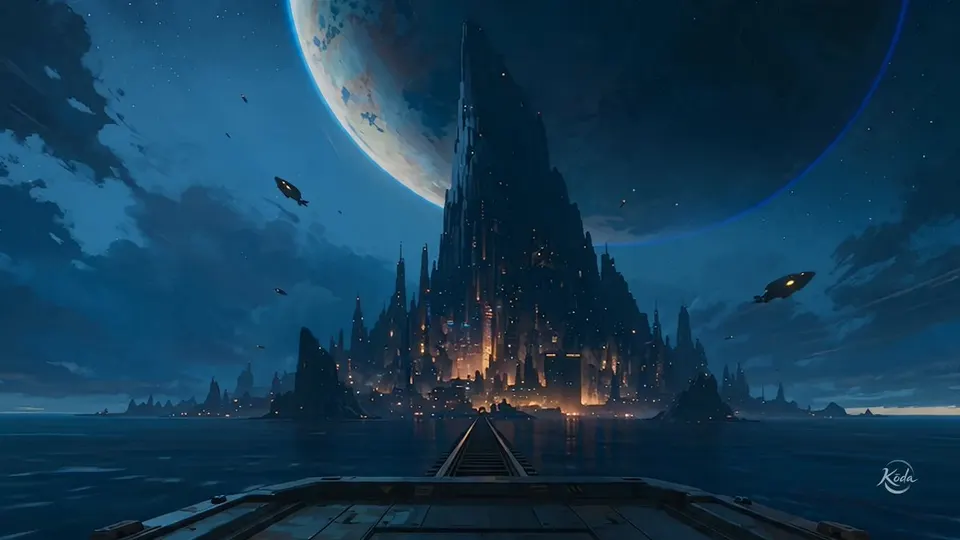
A painterly animated romantic drama follows a young courier and a young mechanic racing through a decaying galactic port during their final minutes together. The Courier wears a weathered crimson travel coat and carries…
4 cute clay 3D characters together, white background, fast cute story in 8 seconds: 0-2s group bouncy hug (boing pop), 2-3s look at blank sign sad tilt head (bloop sad), 3-6s fast montage all working together funny…
YouTube Shorts 8 seconds, vertical 9:16, 4 cute clay 3D characters: pink beanie pink sweater, purple beanie colorful vest, pink pom beanie blue hair orange vest, lavender beanie backpack. Fast slapstick football comedy…
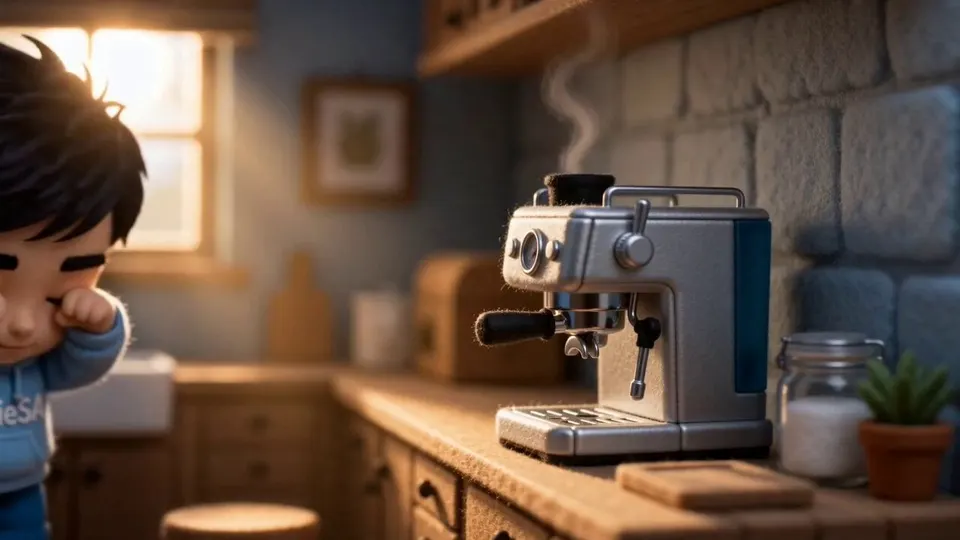
“A cinematic 15-second video following a tiny needle-felted wool chibi figurine — dark tousled hair, natural skin tone with no blush, brown eyes, light blue “TechieSA” hoodie, blue pants, blue sneakers — through a cozy…
Ultra-realistic cinematic commercial Premium food advertising quality. 4K HDR Photorealistic rendering. Extremely high detail. Physically accurate materials and lighting. Smooth cinematic motion. Stable object…
Create a director-style PREVIS action storyboard focused on 8 continuous action frames using only minimal stick figures. No realistic anatomy, clothing, pants, shoes, or character details. Show only movement, camera…
Confident. Precise. In total command of her kitchen. VISUAL SIGNATURE: Every motion economical — nothing wasted, nothing rushed. Painterly digital illustration character sheet — soft angular faceted shading with gentle…
3D animated cinematic short, high-quality stylized realism. No BGM, no dialogue, no subtitles, no text, with ambient sounds. # Constraints Vary the framing and angles in every cut to avoid monotony. Focus on glass…
Woman = a young East Asian woman around 25, soft elegant features, shoulder-length dark hair, a gentle emotional face, wearing a cozy beige coat and a scarf. Tender and heartfelt. Appearance only. Man = a young East…
Four-panel character model sheet in one row, evenly spaced, identical original character in every panel: panel 1 full-body front view standing upright, arms relaxed, both feet visible, not cropped; panel 2 full-body…
Cinematic Wuxia sequence in an autumn maple forest: two martial artists, a female warrior in flowing pink-and-white silk Hanfu and a male warrior in blue robes, face off on wet mossy river rocks as golden sunbeams…
15-second cinematic animated short. A narrow wooden suspension bridge crosses a spectacular mountain gorge. A young woman walks across the bridge. Suddenly, one suspension cable snaps. The bridge swings violently…
Examples are curated from meigen.ai and credited to their original creators.
Prompt structure
When you start from an image, describe change, not appearance. One or two sentences per part is plenty.
Who or what moves; name it the way it appears in the frame.
What happens, in order. One clear action per shot works best.
Shot size and movement: slow push-in, orbit, handheld, static.
Usually set by the first frame; add only what should change, like "lights flicker on".
Dialogue in quotes, ambience and music. Models with native audio follow it.
The felt plush fox from the first frame waves its paw and tilts its head, then hops once. Slow push-in, static background. Soft daylight. Sound: a tiny squeak and gentle ukulele.
FAQ
It depends on model, length and resolution, and the studio shows the exact cost before you generate. Clips start at 24 credits.
No. Credits are reserved when you start and returned automatically if the render fails or times out.
Press Animate this on the remix. The video studio opens in Frames mode with the image as the first frame; describe the motion and generate. You can also upload any image yourself.
Up to 30 seconds with Seedance 2.5, Kling 4.0 and Grok Imagine, up to 15 seconds with Seedance 2.0, and 4–8 seconds with Veo 3.1.
From 480p up to 4K, depending on the model. Free accounts render up to 720p; credit packs and plans unlock 1080p and 4K.
Yes. Veo 3.1, Seedance, Kling 4 and Grok Imagine generate native audio, including dialogue and ambience. Seedance lets you switch audio off.
Yes with any credit pack and with Pro and higher plans, under our Terms of Service. Free and Starter credits are for personal use.
No. WhiskAI is independent and runs Seedance, Veo, Kling and Grok Imagine through licensed API providers. Whisk and Google are trademarks of Google LLC; model names belong to their owners.
Drop in a first frame, describe the motion and generate. Clips start at 24 credits.